
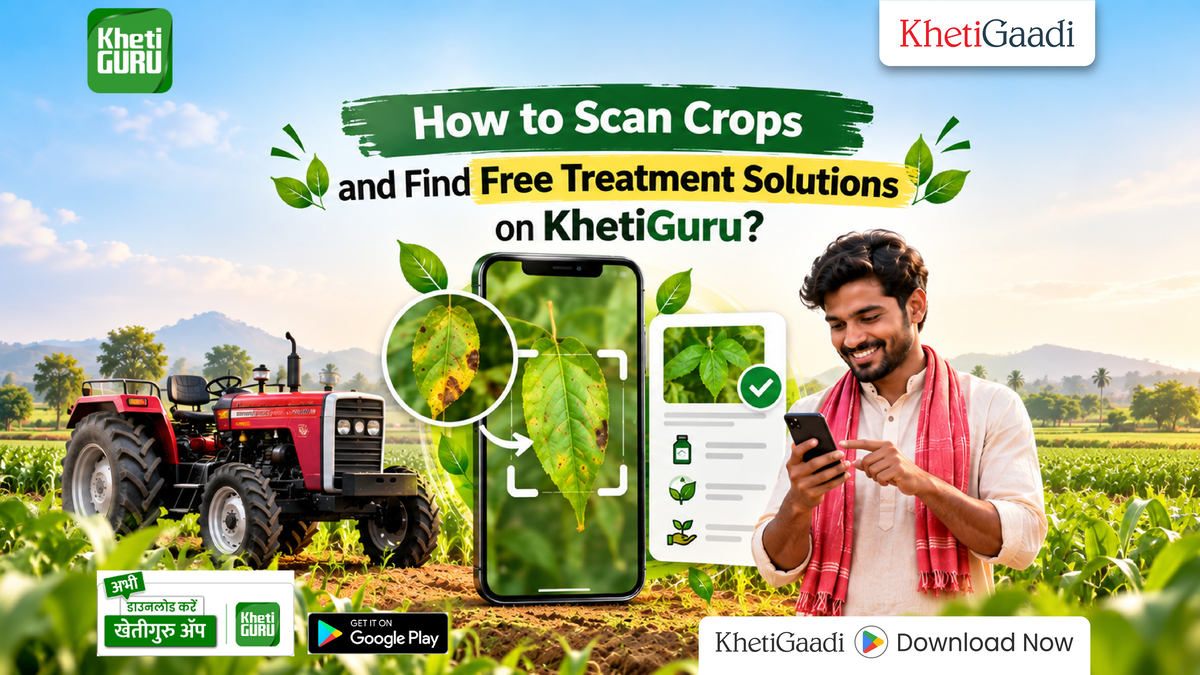
How to Scan Crops and Find Free Treatment Solutions on KhetiGuru?
Crop diseases and pest infestations can lower the amount of crops that farmers get. These problems can also lead to money losses. Finding the issues early helps farmers choose the sprays before the damage gets worse. You can find out how to check for crop diseases using the KhetiGuru crop disease scanner in the KhetiGuru app. A smartphone camera is all you need to get started. This online tool gives disease diagnosis advice on how to treat the problem and help from experts. Everything is free of charge.
How Does the KhetiGuru Crop Disease Scanner Work for Free?
The KhetiGuru application works like a plant specialist right in your hands. You only need an internet-enabled smartphone with a working camera to start scanning crops.
When you capture a picture of affected leaves, stems or fruit the KhetiGuru app analyzes the damage patterns. Within seconds the KhetiGuru app identifies infections, bacterial blights or viral attacks. Using diagnostic tools reduces unnecessary pesticide expenses by catching infections early. You can also explore soil management tips to build natural crop resistance, against common field pathogens.
How Can You Detect and Treat Crop Diseases Free with KhetiGuru?
Diagnosing plant health issues can be done with a few easy steps on a mobile phone. Follow this step-by-step process to receive free treatment advice for your crops:
- Download and Open App: Install the app from the Google Play Store. Select your preferred language.
- Open Disease Scanner: Tap the camera icon located on the dashboard of the app.
- Capture Affected Leaf: Focus the camera on the infected plant part and take a photograph of the affected leaf.
- View Instant Diagnosis: The app analyzes the image. Identifies the exact pest or disease for the plant health issues.
- Apply Recommended Treatment: Read the recommended chemical treatment steps to cure the crop, for plant health issues.
How Does KhetiGuru Compare to Traditional Disease Identification?
Manual crop monitoring can take days giving pests time to spread across the fields. The KhetiGuru crop disease scanner helps provide a quick way to check crop problems using a smartphone.
| Feature / Aspect | Traditional Field Diagnosis | KhetiGuru App Scanning |
|---|---|---|
| Diagnosis Speed | 2 to 5 Days (Laboratory / Visit) | Instant (Under 10 Seconds) |
| Service Cost | Expert Consultancy Fees | 100% Free |
| Treatment Guidance | Manual Retailer Advice | Instant Scientific Recommendations |
| Expert Access | Limited Local Availability | Direct Community & Agri-Expert Support |
Frequently Asked Questions (FAQ)
Q. Is the KhetiGuru crop disease scanner completely free?
Yes farmers can scan plant images and access disease treatment recommendations without paying any subscription fees.
Q. Which regional languages does the KhetiGuru app support?
The app supports Indian languages, including Hindi, Marathi, Punjabi, Bengali, Kannada and Malayalam.
Q. Do I need a high-end smartphone camera to scan crops?
No basic Android smartphone with an internet connection and a clear functional camera works well for crop scanning.
Q. Can I ask agriculture experts questions on the app?
Yes the app allows users to create posts ask questions and receive answers, from agricultural experts and community members.